

Check MCP Server
Connect your AI tools to the Check Payroll API using the Model Context Protocol.

The Check MCP Server connects your AI tools to the Check Payroll API using the Model Context Protocol. Instead of writing integration code for every workflow, use natural language to generate reports, manage employees, run payroll, and more — directly from the AI tools you already use.
What you can do
- Reports & data exports — Generate payroll journals, tax summaries, employee rosters, and payment reports
- Employee & contractor management — Create, update, and view employees and 1099 contractors, manage onboarding and tax forms
- Payroll operations — Create payrolls, add earnings and deductions, preview totals, and approve runs
- Tax & compliance — View and update W-4 elections, state withholding, tax filings, and exemptions
- Company setup & configuration — Manage companies, workplaces, bank accounts, pay schedules, and webhook configurations
- Documents & forms — Access tax documents, authorization forms, paystubs, and setup documents
- Composite workflows — Get full company overviews, employee snapshots, payroll details, payment diagnostics, and onboarding status in a single call
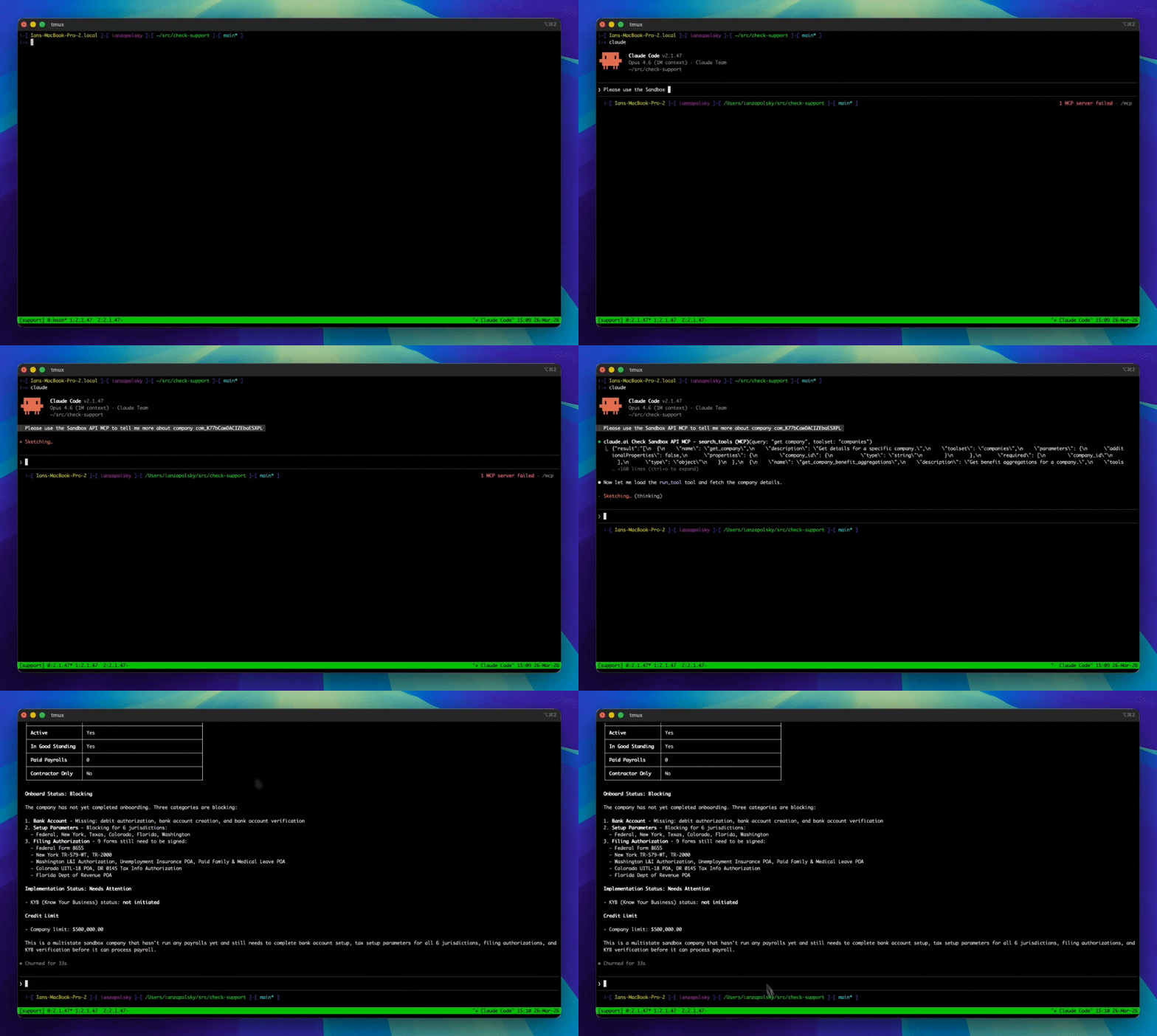
Claude Code using the Check MCP to pull information about a company.
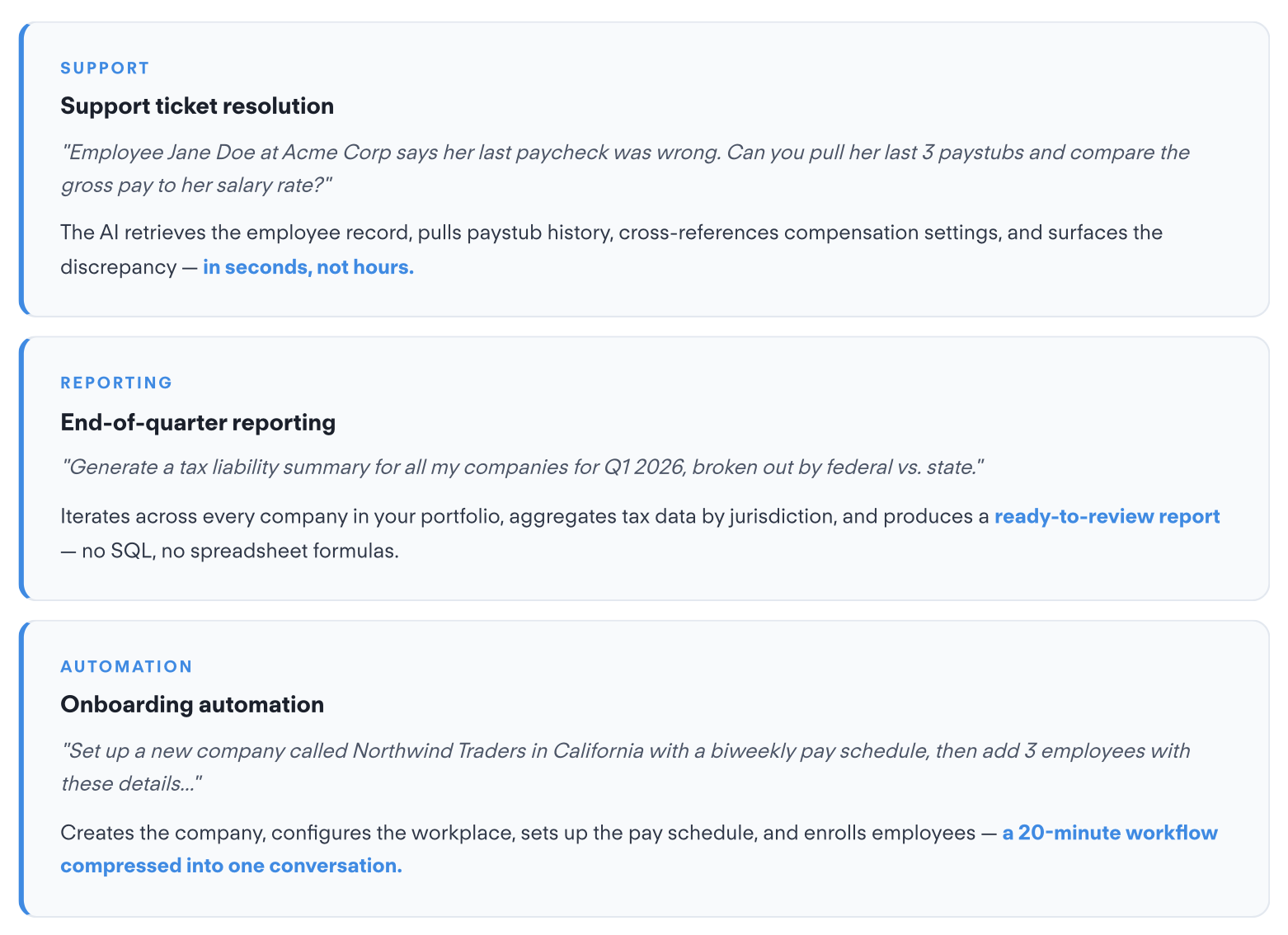
How it works
The Check MCP Server uses a dynamic tool architecture to work within the context window limits of AI models. Instead of loading all 270 tools at once, your AI client starts with three meta-tools:
| Tool | What it does |
|---|---|
search_tools | Find relevant tools by keyword (e.g., "list employees", "create payroll", "company overview"). Returns matching tools with full parameter schemas, including composite workflow tools. |
run_tool | Execute any tool by name with the required arguments. |
list_toolsets | Browse all 18 toolsets with descriptions and example tools. |
This means your AI client discovers exactly the tools it needs, when it needs them — keeping context usage efficient while giving you access to the full API surface.
Compatibility
The Check MCP Server works with any MCP-compatible client, including:
- Claude Desktop
- Claude Code (CLI)
- Cursor
- GitHub Copilot (VS Code)
- ChatGPT
- Google Gemini
- OpenAI Codex CLI
- Any MCP client
Choose your setup
Hosted (Remote) — Available now
Check runs the MCP server for you. Connect directly from your AI client with just a URL — no repo to clone, no Python to install. Authenticate with a Console login, or with a Check API key if you're running an agent on your own servers.
Self-Hosted — Available now
Clone the repository and run the server locally. Full control over configuration, access control, and environment.
Access control
The MCP server supports fine-grained access control to match your security requirements:
- Read-only mode — Disable all write operations (create, update, delete) with a single flag
- Toolset filtering — Limit access to specific categories (e.g., only
companiesandemployees) - Tool exclusion — Block individual tools (e.g., exclude
create_bank_account)
Available toolsets: bank_accounts, companies, compensation, components, contractor_payments, contractors, documents, employees, external_payrolls, forms, payments, payroll_items, payrolls, platform, tax, webhooks, workflows, workplaces
These options can be combined. See the Hosted (Remote) or Self-Hosted guide for configuration details.
Authentication at a glance
| Hosted + Console OAuth | Hosted + API key | Self-hosted | |
|---|---|---|---|
| Credential | Check Console login | Check API key | Check API key |
| Best for | A person working in an AI client | An agent on your own servers | Full control over the runtime |
| Acts as | The Console user who logged in | Your partner account | Your partner account |
| Rate limit | Console's limit | Your API rate limit | Your API rate limit |
| Infrastructure | None | None | You run the server |
Updated about 2 months ago